Free online video downloader for YouTube, Facebook, Instagram, TikTok, and Pinterest. Paste any public link, pick MP4 or audio, and save in your browser — no signup or install.
A share link tells the downloader where the original public post lives. Use the exact item link, then select the available format that suits your screen, storage, and permitted use.
Choose the right public link for your download
Platform
Typical formats
Useful link tip
YouTube
MP4, audio-only, video-only
A watch, Shorts, or youtu.be link usually identifies one video.
Facebook
MP4 and audio when exposed
Copy from Share on a Reel, Watch entry, or public timeline post.
Instagram
MP4, JPG, or PNG when exposed
Use the individual Reel or post URL, never a profile link.
TikTok
MP4 and audio when exposed
Paste the full or vm.tiktok share link directly from the video.
Pinterest
MP4, JPG, or PNG
Open one pin first; board, search, and profile links are not individual pins.
A practical guide to downloading public videos responsibly
Start with the exact share link
Open the video itself before copying anything. A specific public URL gives the resolver a video or pin identifier, while a profile, search result, playlist, board, or hashtag page usually does not. The Share menu is the safest place to copy a complete link because it avoids browser fragments and half-copied tracking text.
After copying, paste the link into the free online video downloader exactly as it appears. Do not shorten it again or remove parameters unless a fresh share link fails. A clean link saves time and helps you confirm that the title, duration, and preview belong to the media you intended to save.
Pick a format for the way you will watch
MP4 with audio is the straightforward option for normal playback on phones, tablets, laptops, and most televisions. It keeps the picture and sound together, so it is easy to move into a gallery, presentation folder, or personal archive when you have permission.
Audio-only makes sense for a talk, language lesson, podcast-style interview, or music you are entitled to keep. Video-only is more specialized: editors may pair it with another authorized track later. Available formats depend on the source platform and the streams it makes public.
Balance quality against storage
A larger resolution can look sharper on a wide screen, but it also consumes more storage and takes longer to download. For a short reference clip viewed on a phone, a moderate MP4 often delivers the best practical result. For a permitted presentation or a creator-owned archive, select the highest available tier if detail is important.
Before starting a large transfer, check free space and your network. A higher label does not improve a source that was uploaded at low quality. Select from the actual options shown rather than expecting every public link to offer HD, 1080p, audio, and video-only files.
Use the browser on any device
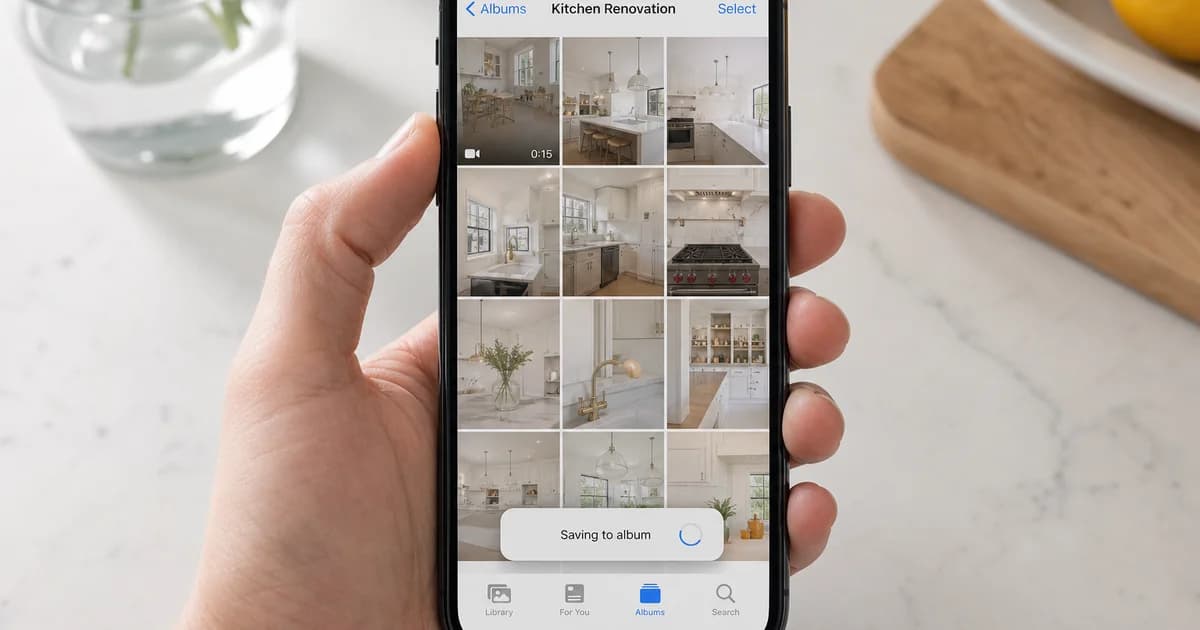
The paste-link flow works in current desktop and mobile browsers, which means you do not need an extension, APK, or desktop app. On Android, downloaded files commonly appear in Downloads and can be moved to a gallery or file manager. On iPhone and iPad, Safari may ask you to confirm a destination in Files before you share the result elsewhere.
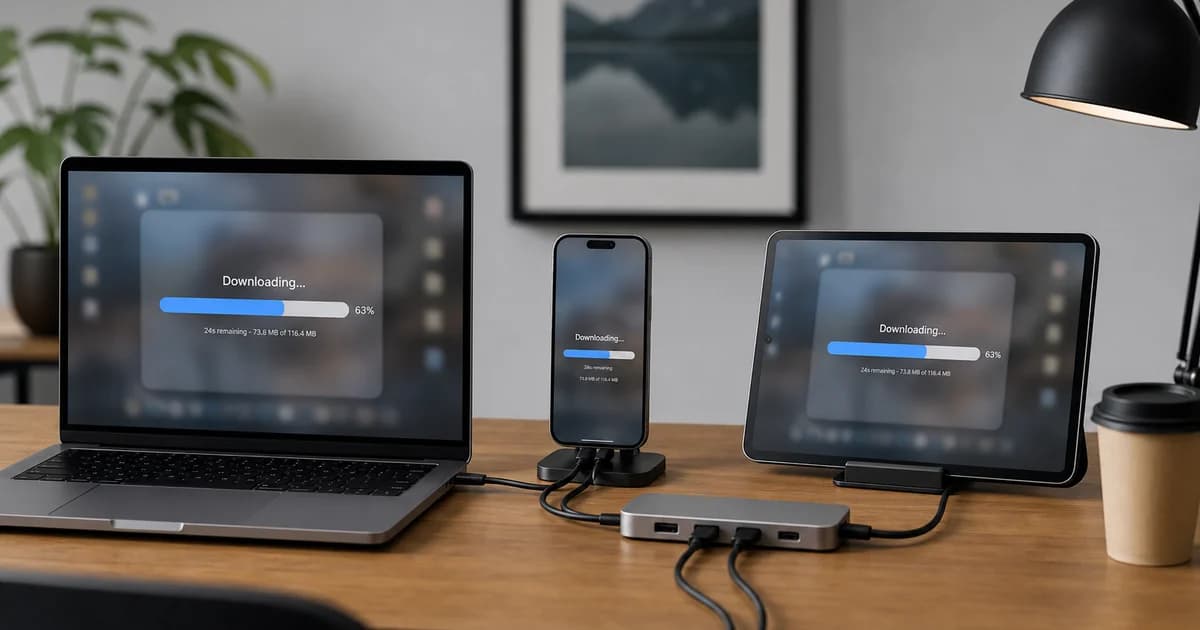
Keep the browser tab open until the transfer finishes, especially on a mobile connection. If a save appears incomplete, retry from a stable network and choose a smaller permitted file. Avoid unknown add-ons that request broad account or browsing permissions just to perform a simple download.
Know why a public link can fail
A link may fail because the creator deleted the post, made it private, changed its audience, restricted it by age or region, or removed the media. A video that plays only when you are signed in is not publicly available for an anonymous web tool. Live broadcasts, subscription media, and protected streams can also have no downloadable format.
First open the link in a private browser window without signing in. If it cannot play there, copy a fresh Share link or use the platform's official tools for your own account. The dedicated YouTube, Facebook, Instagram, TikTok, and Pinterest pages include source-specific troubleshooting guidance.
Respect creators and platform rules
Downloading a file is not permission to republish it. Save content only when you own it, have clear permission, or the creator and applicable law allow the use. Copyright, music licensing, privacy expectations, and platform terms can still apply after a public post is visible in a feed.
Do not use this service to bypass access controls, collect private media, or distribute someone else's work. If you need a clean master of your own post, an official export or creator dashboard may be the best source. Keep credit and source information with any authorized reference copy.
Build a simple personal media workflow
Give saved files a descriptive name that includes the topic and date, then store them in a folder that matches their purpose. This makes an offline tutorial, project reference, or approved campaign asset easy to find later. Delete files you no longer need, especially on shared devices.
For deeper format advice, see our blog guide on YouTube to MP3, our notes on saving short-form video, and our platform-specific link guides. They explain what each service commonly exposes without promising formats that the original source does not provide.
Use a link, not a screen recording
For media you are allowed to keep, a direct public file is usually easier to organize than a screen recording. It can preserve the intended frame, avoids notification overlays, and gives you a clearer starting point for offline viewing. Check the listed format, save it in a familiar folder, and retain the original link so you can return to the source.
Screen recording still has a place for demonstrating your own workflow, but it should not be used to capture protected or private content. The simple paste-link approach is designed for eligible public media and depends on the source platform making a practical stream available.
Keep files useful after the download
A few seconds spent organizing a permitted download makes it easier to use later. Rename the file with a clear topic, date, and source platform. Add it to a project folder rather than leaving it among anonymous downloads. This is especially helpful for creator-owned campaign clips, study references, and travel viewing lists.
Keep only the copies you need and remove old files from shared devices. Good organization supports privacy, lowers storage pressure, and makes it less likely that an authorized reference file is confused with material you may not share.
Choose a safe browser workflow
A no-install workflow means you can use a current browser without adding software that requests access to your accounts, clipboard, or browsing history. Paste the public URL, inspect the result, and save the file only after confirming it belongs to the item you chose. This keeps the process understandable on a laptop, public workstation, or phone.
Use an up-to-date browser and a trusted network for any transfer. If a site ever asks for a social-media password to fetch a public link, stop and use official account tools instead. This downloader does not need your platform login for eligible public media.
Plan around limited data and storage
Before a trip or a long day away from Wi-Fi, choose a small set of authorized files rather than downloading everything at the highest setting. A moderate MP4 can provide comfortable viewing on a phone while using far less space. Audio-only can reduce the footprint further when visuals are not needed.
Review available space before starting and test one file in the app you plan to use. This avoids an incomplete transfer at the airport, on a train, or in an area with expensive mobile data. Quality is useful only when your screen and purpose benefit from it.
Find more platform-specific help
Each public platform presents links and files differently. Use the dedicated page when you need guidance for YouTube Shorts, Facebook Reels, Instagram posts, TikTok watermark expectations, or Pinterest pin.it addresses. Those pages explain common formats and limits without suggesting that every link can or should be downloaded.
Our blog guide collection expands on YouTube to MP3, short-form video links, image-pin handling, and responsible offline use. Start with the source-specific article that matches the link you have, then return to this hub whenever you need a multi-platform overview.
Make public media useful when you are offline
A local file can make a permitted video easier to watch, review, or reference when a connection is unreliable. Save only material you own or are allowed to keep.
01
Offline travel viewing
Long journeys often come with patchy airport Wi-Fi, limited data, or no signal at all. Before you leave, use a free online video downloader to save a public tutorial, a creator-approved clip, or media from your own account. Choose a sensible MP4 size for your phone, check that the file plays before departure, and keep it in the Downloads or Files folder. This simple preparation gives you reliable playback without repeated streaming or surprise roaming charges.
02
Reference while studying
Students and researchers sometimes need to revisit a lecture excerpt, demonstration, or public presentation while taking notes. A permitted local copy lets you pause, replay a step, and compare details without losing your place to buffering. Use the original source link in your citations, respect the creator's license, and do not share copyrighted recordings with classmates. Audio-only can be useful for a spoken lesson, while MP4 is better when diagrams, captions, or on-screen actions matter.
03
Personal project archives
Creators, small businesses, and community managers may need a backup of a video they published publicly across several networks. Multi-platform MP4 & audio choices make it easier to keep a reference copy before a post is updated or a link changes. Download your own work, name files clearly with a date and campaign, and retain the original master separately when possible. A browser-based workflow is convenient because it needs no install on a shared computer or a temporary work device.
How it works
01
Copy the video link
Open the video on YouTube, Facebook, Instagram, or TikTok and copy the share link from your browser or the app.
02
Paste and fetch
Paste the URL into the box above and click Download. We resolve the link and show available formats in seconds.
03
Choose format and save
Pick video with audio, audio only, or video-only, then download directly to your phone, tablet, or computer.
04
Check the preview and save
Confirm the title and duration, choose a listed MP4 or audio option, and save the file to a folder you can find later. Keep the browser open until the download completes.
One free video downloader, five platforms
Multi Video Downloader is a free online video downloader for the links people share every day — YouTube to MP4 and YouTube to MP3, Facebook Reels download, Instagram Reels and photo download, TikTok video download without watermark when available, and Pinterest video download with image pins. Use the hub for any supported URL, or open a dedicated tool for platform-specific formats and FAQs. A single paste-link workflow makes multi-platform MP4 & audio choices easier to understand, but each source controls its own public formats. Use a dedicated page when you want platform-specific help with Shorts, Reels, pin links, quality, or mobile saving.
Link not working?
If a download fails, the video may be private, deleted, age-restricted, or geo-blocked. Copy the link again from the app's Share menu (not the in-app browser bar). Try opening the video in a private window — if it does not play while logged out, we cannot fetch it either. For platform-specific tips, use the dedicated YouTube, Facebook, Instagram, TikTok, or Pinterest tool above. A stable connection, enough free storage, and a fresh Share link solve many ordinary problems. Do not retry private, members-only, group-restricted, deleted, or paid content: an anonymous browser tool cannot and should not bypass those controls.
Why use Multi Video Downloader
01
Free multi-platform downloader
YouTube, Facebook, Instagram, TikTok, and Pinterest from a single homepage. No switching between different sites for each app.
02
Browser-based — no install
Works in Chrome, Safari, Firefox, Edge, and mobile browsers. Nothing to download or update on your device.
03
Video and audio options
Save full MP4 files, extract audio-only tracks, or choose video-only — YouTube to MP3 and MP4 in one hub.
04
Fast link resolution
Paste a URL and get format choices quickly. Most public links resolve in a few seconds.
05
Mobile friendly
Copy a link from YouTube, Facebook, Instagram, TikTok, or Pinterest, paste it here, and save to your gallery or downloads folder.
06
Free to use
No account required for basic downloads. Use the tool when you need a local copy for offline viewing or personal reference.
07
Clear public-link guidance
Use exact Share URLs to reduce errors and quickly confirm that the correct public media was found.
08
Responsible saving reminders
Format choices are paired with practical guidance about permission, copyright, privacy, and platform rules.
Which platforms does Multi Video Downloader support?+
The hub supports public links from YouTube (including Shorts), Facebook (videos, Reels, and Watch), Instagram (Reels and posts), TikTok, and Pinterest pins. For best results, use the dedicated page for each platform when you know the source.
Is this video downloader free?+
Yes. You can paste links and download without creating an account. We may show ads to keep the service running, but core downloads remain free for personal use.
Do I need to install software or an extension?+
No. Everything runs in your web browser. Avoid browser extensions that ask for broad permissions unless you trust the publisher — our site does not require one.
Can I download on my phone?+
Yes. Copy the share link from the app, open this site in your mobile browser, paste the URL, and tap Download. On iOS, you may need to use Files or confirm the save location.
Why does my link fail or show no formats?+
Common causes include private or deleted videos, age-restricted content, live streams that have ended, geo-blocks, or pasted tracking URLs that are incomplete. Try copying the link again from Share, not from the address bar of an in-app browser.
Can I download audio only?+
When the source provides separate streams, you will see an Audio Only tab after fetching the link. Quality depends on what the platform makes available for that video.
Is it legal to download videos from social media?+
Laws vary by country. You should only download content you own, have permission to save, or that is clearly offered for offline use by the creator or platform. Do not redistribute copyrighted material without rights.
Does Multi Video Downloader store my videos?+
We process URLs to locate public streams and do not host your files long-term. Downloads go directly to your device. See our Privacy Policy for details on logs and analytics.
Are you affiliated with YouTube, Meta, or TikTok?+
No. Multi Video Downloader is an independent tool and is not endorsed by Google, Meta, ByteDance, or their platforms. All trademarks belong to their respective owners.
What quality can I expect?+
Available resolutions depend on the original upload and what each platform exposes. When multiple qualities appear, pick the one that fits your storage and playback needs — higher is not always necessary for mobile viewing.
What is the best free online video downloader?+
Multi Video Downloader lets you paste a public link from YouTube, Facebook, Instagram, TikTok, or Pinterest and save MP4 or audio in your browser without installing software. Use the matching platform page when you know the source.
Can I download MP4 and MP3 from the same page?+
After you paste a URL, available formats appear in tabs — Video with Audio for MP4 playback, Audio Only when the platform exposes a separate audio stream, and Video Only for some YouTube links.
Should I paste a profile or a video link?+
Paste the exact public link to one video, Reel, Short, post, or pin. Profile, board, search, and hashtag pages usually do not identify a single downloadable item.
Where do downloaded files go?+
Most browsers save files to Downloads unless you choose another location. On iPhone or iPad, Safari may ask you to select a Files destination.
Can I download private or friends-only content?+
No. This tool is for eligible public links and must not be used to bypass privacy settings, account access, memberships, or other restrictions.
How do I choose between MP4 and audio?+
Choose MP4 when you need picture and sound together. Choose Audio Only only when it is listed and the visual track is unnecessary for your permitted use.