
Download Instagram Highlights Covers & Public Media
2026-08-19
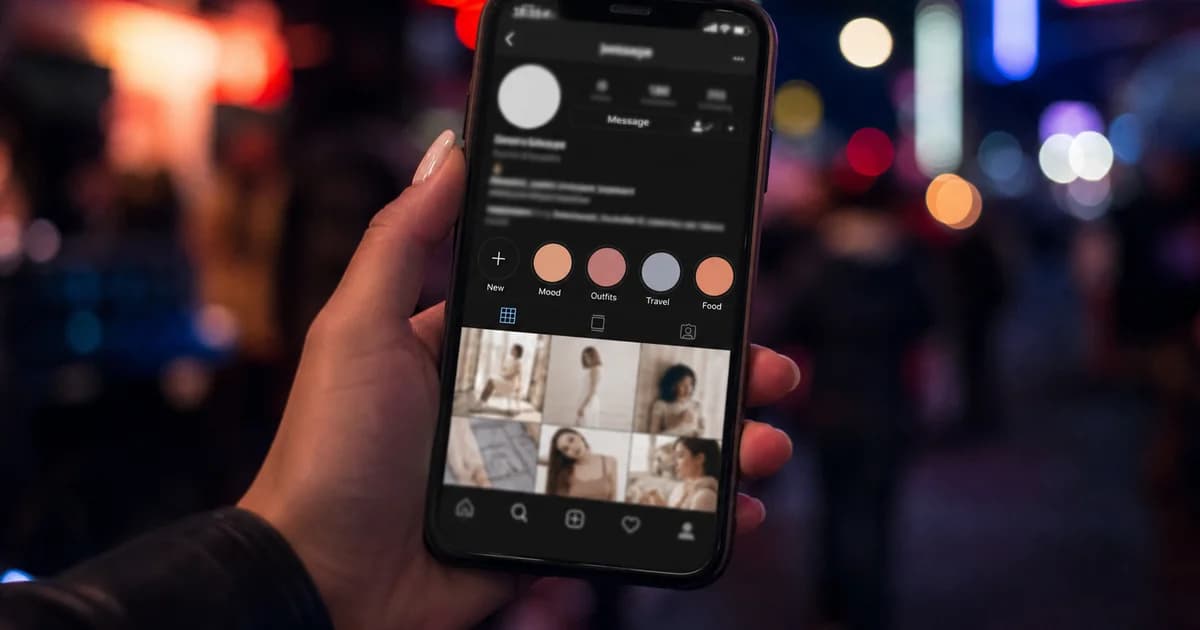
Instagram highlights download searches often mean saving a cover image or a clip archived in highlights. Highlights themselves are tied to Stories infrastructure—authenticated and ephemeral. Third-party tools cannot reliably bulk-download someone’s highlight reel without login.
What does work: saving public post and Reel URLs (/p/, /reel/) when you have a specific link. Use our Instagram video downloader for those.
Highlights vs public posts
| Content | Typical support | |---------|-----------------| | Public Reel or post link | Often resolves to MP4/JPG | | Active Story | Not supported anonymously | | Highlight ring on profile | No bulk URL—need per-item links |
For Stories limitations, read save Instagram Stories. For profile photos: download Instagram photos online.
If you have a direct post link
- Open the highlight item if Instagram lets you share a underlying post/Reel.
- Copy link when available.
- Paste into the Instagram video downloader.
- Save JPG (cover-style still) or MP4 when listed.
Creators exporting their own highlights should use Instagram’s built-in archive or creator tools for best quality.
Tips for cover-style images
Square JPG thumbnails may appear when the CDN serves a still. Pick the largest resolution row. Carousels: download Instagram carousel posts.
Legal use
Only save media you created or have permission to use. Highlight covers often include branding you do not own.
Related downloaders
Download Instagram highlights covers when you have a public post/Reel URL—not a profile ring alone. Paste on the Instagram video downloader.