
Download Pinterest Images and Pins (Save Photos Online)
2026-08-26
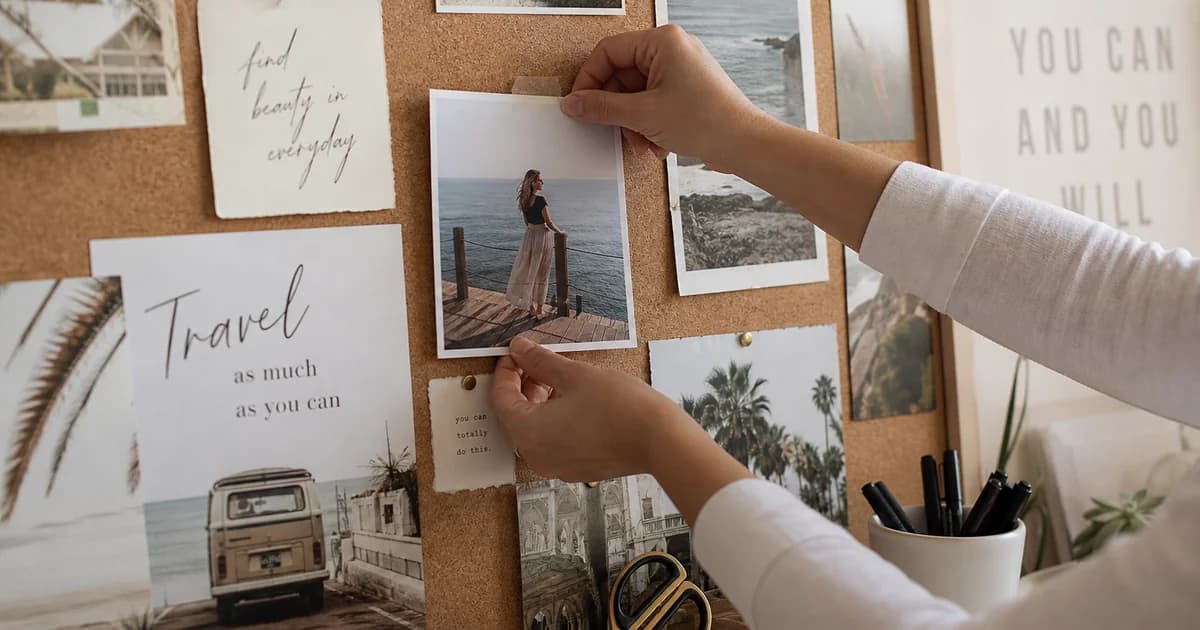
Pinterest download image workflows cover inspiration photos, infographics, and still pins you want in your camera roll or design folder. Video pins need MP4 — see how to download Pinterest videos. For image pins, paste the same public link into the Pinterest video downloader; the resolver may list JPG, PNG, or WebP files you can save directly.
Copy the correct pin link
- Open the pin (not the whole board).
- Use Share → Copy link so you get
pinterest.com/pin/…orpin.it/…. - Avoid search URLs — they are not single-pin links.
Save the image file
- Paste into the Pinterest video downloader.
- Click Download and wait for formats.
- If multiple image sizes appear, choose the largest file for sharper prints or mood boards.
- Save to Downloads or Photos and rename for your project.
Pinterest image download vs screenshot
| Method | Pros | Cons | |--------|------|------| | Downloader from pin URL | Full resolution when exposed | Public pins only | | Screenshot | Always possible | Soft, cropped, metadata loss |
Gallery and board saves
Pinterest does not let this tool ingest an entire board at once. Repeat the steps for each pin you need, or use Pinterest’s built-in board tools for collections you own.
HD and quality
Some pins expose multiple resolutions. Pick the biggest download row. True print quality still depends on what the pinner uploaded.
Legal reminder
Download only images you may use — your content, licensed stock, or permission-granted work. Credit artists when sharing inspiration boards publicly.
Related
- Video pins: How to download Pinterest videos
- Other platforms on home: YouTube, Instagram, Facebook, TikTok
Download Pinterest images and pins with a public link → Pinterest video downloader → image format → save.