
TikTok Download Not Working? Fixes for Links, Blocks & Errors
2026-08-22
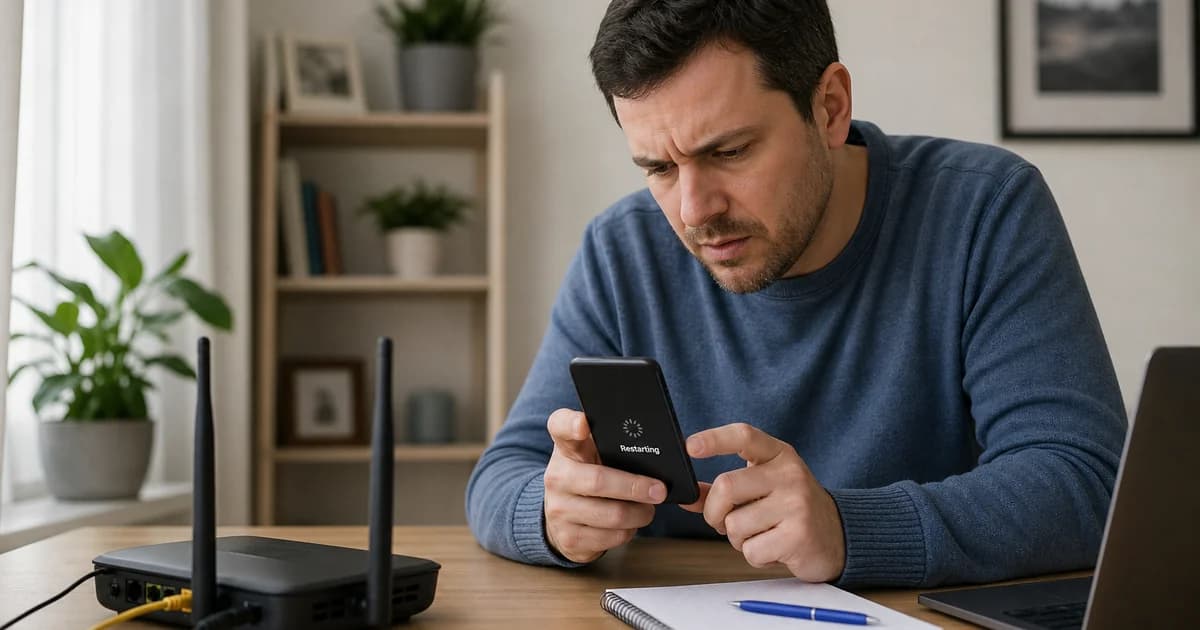
You copied a TikTok link, pasted it into the TikTok video downloader, and got an error, empty format list, or a file that will not play. Before you try another random app, walk through the fixes below. Most TikTok download problems are bad URLs, private posts, or browser restrictions — not a permanent break in the tool.
Keep this page bookmarked next to our home page and the working guides TikTok without watermark and TikTok HD download.
Fix 1 — Use a fresh Share link
Open the video in TikTok → Share → Copy link. Paste immediately. Old links in chat history may point to deleted videos. Prefer vm.tiktok.com or tiktok.com/@user/video/… over unofficial aggregator pages.
Fix 2 — Confirm the video is public
Open the link in a private/incognito browser without logging in. If TikTok asks you to sign in or says video unavailable, downloaders cannot fetch it. Follow the account or ask for a public post if appropriate.
Fix 3 — Paste the full URL
Do not paste only @username or a hashtag page. Do not paste sound-only URLs. Duets need the duet video’s link, not the original unless that is what you want.
Fix 4 — Leave vm.tiktok.com parameters alone
Strip query params only if resolve fails once; then copy a new Share link and retry with the default string.
Fix 5 — Wait for new uploads
Videos posted seconds ago may not be on all CDN nodes yet. Wait one to five minutes and retry.
Fix 6 — Pick combined MP4
If playback has no audio, you may have grabbed audio-only. Select MP4 with video+audio. See TikTok HD download for choosing the right row.
Fix 7 — Switch browser (especially on iPhone)
Use Safari on iOS. Avoid TikTok’s internal browser for the download step. On Android, use Chrome. Desktop Chrome/Firefox work well.
Fix 8 — Disable aggressive blockers
Ad blockers, firewall apps, and corporate VPNs can block fetch or download dialogs. Test on home Wi-Fi without VPN.
Fix 9 — Check storage and connection
Large HD files need space and stable network. Retry on Wi-Fi if cellular drops mid-download.
Fix 10 — Region and age restrictions
Some trends are geo-blocked or age-gated. VPNs may not fix anonymous download; the video simply is not available to the tool.
Fix 11 — Live streams
Active lives are not complete MP4 files. Wait until the broadcast ends and TikTok publishes replay, then use the replay URL.
Fix 12 — TikTok platform changes
If many unrelated videos fail at once, TikTok may have updated CDN behavior — retry later. If one video fails, the link or privacy is the cause.
Symptom table
| Symptom | Likely cause | Action | |---------|--------------|--------| | Video unavailable | Private/deleted | Incognito test | | No formats | New upload or block | Wait / new link | | Silent video | Wrong stream type | Combined MP4 | | 0% download | Browser | Safari / Chrome | | Works on Wi-Fi only | Weak cellular | Switch network |
Compare with other platforms
If you mistakenly pasted an Instagram or YouTube link, use the correct tool:
Responsible use
Download content you own or may legally save. Do not use fixes above to scrape private accounts or redistribute copyrighted trends.
FAQ
Why did it work yesterday?
Single video removed or made private; or temporary CDN delay.
Do I need to log in to the downloader?
No. Never enter TikTok password on third-party sites.
App vs web?
Web tool on TikTok video downloader avoids App Store removals.
Can I report a broken video URL?
Note exact link, browser, and error text when contacting support.
Is watermark related to “not working”?
Sometimes users pick a format that fails player compatibility — try another MP4 row.
Clearing cache without losing the link
If the resolver page looks stuck, hard-refresh (Cmd+Shift+R on Mac, Ctrl+F5 on Windows) while keeping the TikTok URL in your clipboard, then paste again. Cached error states in the browser sometimes show an old failure after the video is already public.
Testing from another device
When one phone fails, paste the same link on a laptop. If desktop works, the issue is local to the first device’s browser or network filter. If both fail, suspect private video or removal.
Enterprise and school networks
Firewalls often block video CDN domains used during resolve. Try mobile hotspot once to confirm. IT departments can allowlist the downloader domain if your company uses saves for licensed training content.
Documenting errors for support
Screenshot the exact error text, note iOS/Android version, browser name, and paste the full URL (redact personal tokens if any appear). Do not send account passwords. Support teams cannot bypass TikTok privacy on your behalf.
After a successful test
Once one public TikTok downloads correctly, your setup is fine — focus on the broken link’s privacy, region, or age gate. Compare with how to download TikTok without watermark for format choice tips.
TikTok download not working is usually fixed by a new Share link, a public video check, and Safari/Chrome instead of in-app browsers. Run through fixes 1–12 before assuming the downloader is down — then return to the TikTok video downloader from the home page and try again.