
Download Instagram Carousel Posts (Save Each Slide)
2026-08-18
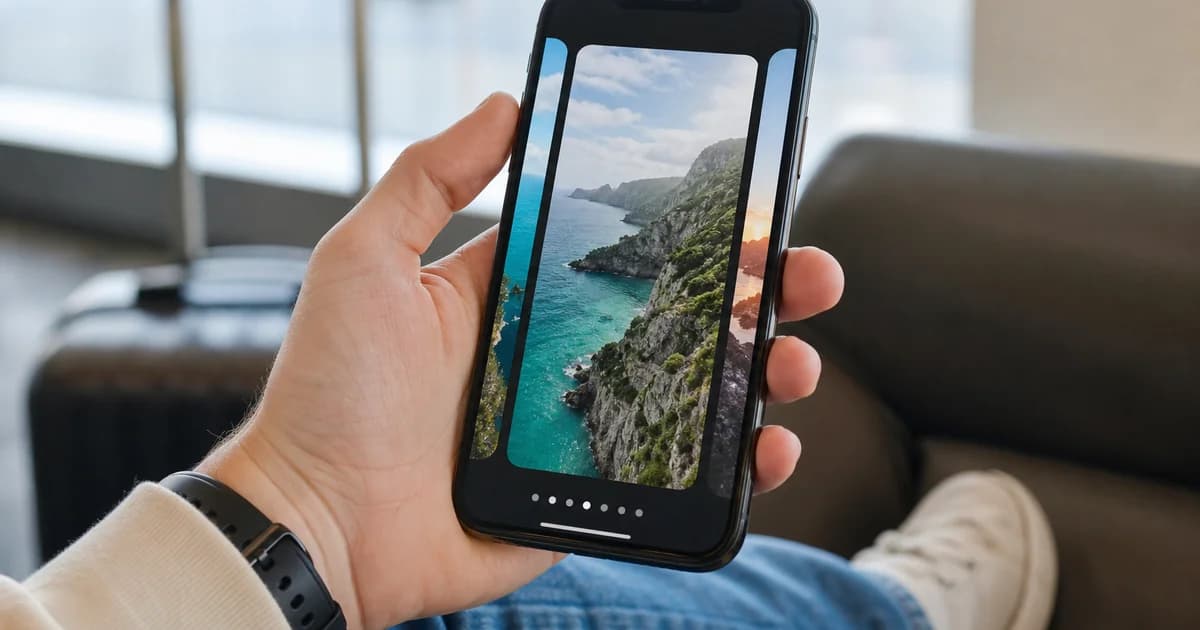
An Instagram carousel packs multiple photos or videos in one post. There is no official “download all slides” button for other people’s public carousels. With a public /p/ link, our Instagram video downloader fetches the media Instagram exposes—often one MP4 or image per resolve.
One link, one primary asset
Carousel posts may only return the currently dominant slide or a single combined stream. To archive every slide:
- Open each slide in the app if Instagram offers a permalink per item, or
- Download what the resolver lists, then repeat if you obtain separate URLs (not always possible).
For single-photo posts, see download Instagram photos online. For Reels: download Instagram Reels without watermark.
Steps
- Open the carousel post → ⋯ or Share → Copy link (
instagram.com/p/…). - Paste on the Instagram video downloader.
- Click Download and save listed MP4/JPG formats.
- If you need another slide and have its own URL, repeat.
iPhone workflow
Use Safari after copying from the Instagram app. Details: Instagram downloader iPhone.
Limitations
- Private accounts and close-friends posts fail.
- Stories are not carousel posts—see save Instagram Stories (limited support).
- Watermark-free masters are not guaranteed for third-party content.
Legal note
Save only content you own or may archive. Carousels often mix copyrighted art—do not repost without rights.
More tools
Download Instagram carousel posts: Public /p/ link → Instagram video downloader → save available formats.