
Save Pinterest Video to Phone Gallery (iPhone & Android)
2026-08-28
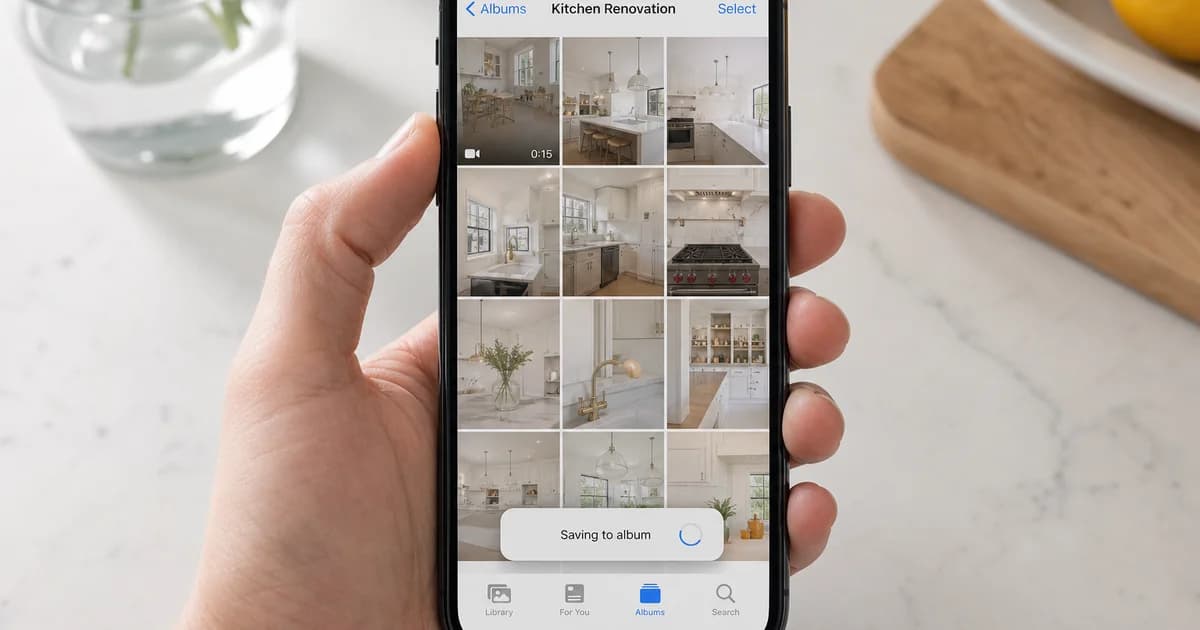
Download Pinterest video in gallery is how mobile users describe saving a pin clip to Photos or Gallery—not keeping it only inside Pinterest. iOS and Android do not add a universal “save to gallery” button for every pin; you download MP4 via browser, then confirm the save location.
iPhone (Safari)
- Copy the pin link from Pinterest Share.
- Open Safari → Pinterest video downloader.
- Paste, Download, pick MP4.
- Tap the download in Safari’s downloads list → Save Video or share to Photos.
Avoid Pinterest’s in-app browser for the actual file save.
Android (Chrome)
- Share → Copy link in Pinterest.
- Paste in Chrome on the Pinterest video downloader.
- Download MP4 → open from Downloads → share to Gallery if needed.
Quality before saving
Choose the largest listed MP4 for sharper gallery playback. More: download Pinterest video HD.
Image pins
Still pins save as JPG/PNG rows—see download Pinterest images and pins.
Troubleshooting
- Pin private or deleted—verify in logged-out browser.
- Wrong URL (board/search)—use
/pin/links only. - Extraction fails—retry fresh link; Pinterest may rate-limit.
Legal note
Personal offline reference only when you have rights. Pinterest Terms apply.
Related
How to download Pinterest videos · Home · Instagram
Save Pinterest video to phone gallery: Pin link → Safari/Chrome → Pinterest video downloader → MP4 → save to Photos.